

IQOS ILUMA Not Working? Troubleshooting Guide & Quick Fixes
- Khalid AlMaktoum
- No Comments
- Blog
Table of Contents
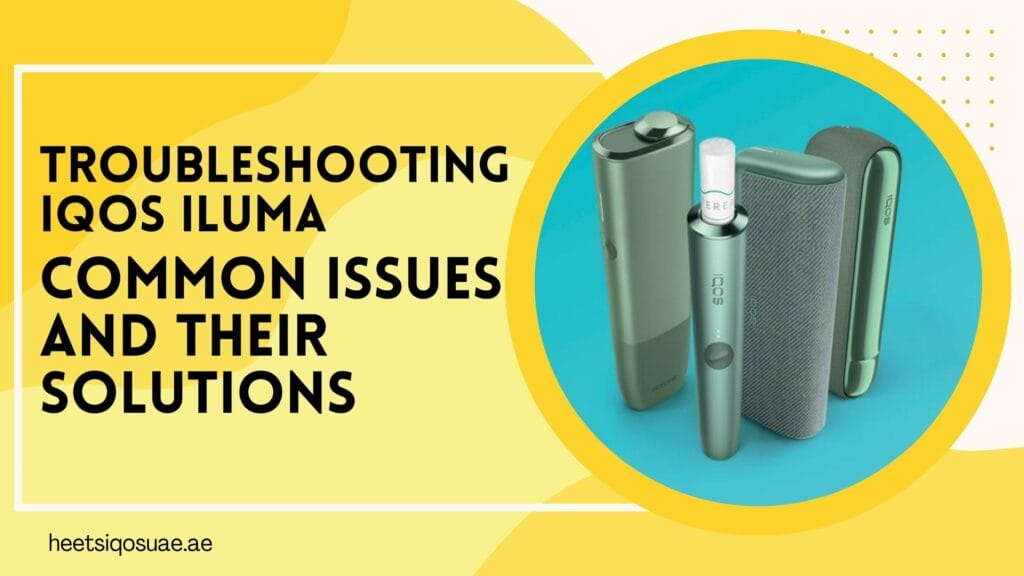
The IQOS ILUMA series, which includes the ILUMA One, ILUMA Prime, and ILUMA Standard, is one of the most advanced heated tobacco systems available. The Smartcore Induction System, which doesn’t have any blades, makes heating more consistent, the battery lasts longer, and the operation is cleaner.
The IQOS ILUMA, like any other electronic device, does have some problems from time to time, though. It doesn’t matter if these problems are caused by how you use your device, the weather, or normal wear and tear; knowing how to find and fix them can help your device keep working at its best.
This guide covers common IQOS ILUMA issues and useful ways to fix them so your device keeps working well.
Top Five Common Problems and Quick Fixes
- Device Not Charging: This is the most common problem, where users press the power button, and nothing happens: no lights, no vibrations, and no activity. A dead battery, internal firmware crashes, or hardware problems might cause this issue.
Solution:
- Use the original charger and cable to plug your IQOS Iluma into a wall socket. If the battery is completely dead, give it at least 20 to 30 minutes to charge.
- Hold down the power button for 7 to 10 seconds, until the lights on the device blink. This will fix firmware problems that keep the device from turning on.
- It’s common for chargers and cables to be broken. Try using a different official cable or power outlet to charge.
2. Blinking Light Problems: Understanding the IQOS ILUMA blinking light meaning helps you quickly diagnose and fix problems without guesswork.
What it might mean:
- White blinking means that charging or heating is going on.
- Red blinking means an error or problem.
- No light means the battery is dead.
Quick solution:
- If the battery is low, charge the device.
- If you see strange blinking, restart.
- Check the manual for specific patterns.
3. Overheating of the Device: Your IQOS Iluma may show temperature alerts or heating problems that stop it from working properly.
Solutions:
- Make sure the stick goes all the way in without bending, twisting, or forcing it. ILUMA doesn’t use a blade like older IQOS models, so putting it in should be easy and smooth.
- A broken Terea stick can make it impossible to find heat. Try again after replacing it.
- A quick reset usually brings back Smartcore detection.
- ILUMA doesn’t need to have its blades cleaned, but dust and other debris can still build up.
4. Reduced Flavour And/Or Weak Vapour: Device temperature issues or damaged sticks can cause such issues, resulting in reduced flavour or weak vapor production.
Solution:
- Use fresh sticks that aren’t in contact with direct sunlight or moisture for too long.
- Overheating can reduce flavour performance. Give the device some rest after consistent usage for a smooth experience.
- A low battery can be one of the causes of heating. Charge the device fully before next use.
5. Device Not Heating: Incorrect insertion of the Terea stick, internal heating issue, or dust buildup in the device can be a major cause of the device not heating up when starting.
Solution:
- Make sure the stick goes all the way up to the line without bending, twisting, or forcing it.
- A broken Terea stick can stop the heating from working. Try again after replacing it.
- A quick reset usually brings back Smartcore detection.
When to Contact Customer Support?
Most of the time, you can fix IQOS ILUMA problems at home, but sometimes you need to call in a professional.
When you should get in touch with support:
- Charging problems keep happening even after you’ve cleaned the device and used the right charger.
- Even after checking how to insert Terea sticks, problems with them won’t go away.
- Patterns of light that are strange or error codes that don’t match the documentation show up.
Conclusion
For device users, IQOS Iluma is a big step forward in heated tobacco technology. It is a cleaner and more convenient alternative to smoking. Sometimes things go wrong, like the heater not working, the battery not charging, or the error lights coming on, but most of the time these problems can be fixed with some simple troubleshooting and maintenance.
You can make your device last longer and have the best experience by following this guide. If you’re not sure, get in touch with official IQOS support or our helpful team through chat or email to get professional help and keep your warranty.
